Codex CLI / configuration field notes
Codex Config: config.toml, Profiles, and Validation
~/.codex/config.toml by default. A project can also provide .codex/config.toml, but project configuration is loaded only for a trusted project. Profiles and command-line overrides let you vary settings without maintaining competing copies of the whole file. Validate TOML and inspect the effective setup after changing it; a successful parse alone does not prove that a model request works.Use one small edit at a time: change a setting, run a local diagnostic, and keep the exact CLI version and warning or error. That makes a configuration result reproducible instead of relying on a file that merely looks plausible.
Where does Codex config.toml go?
The default user file is ~/.codex/config.toml. On Windows, that normally resolves under your user profile in .codex\config.toml. If CODEX_HOME is set, Codex uses that directory as its configuration home instead. Check the active environment before editing a file: a valid config in the wrong home is still the wrong config.
A trusted project can add .codex/config.toml at the project root. Codex does not load project configuration from an untrusted project. Keep machine-wide preferences in the user file and repository-specific behavior in the project file only when that trust boundary is intended.
model = "gpt-6-sol"
model_reasoning_effort = "medium"
approval_policy = "on-request"
sandbox_mode = "read-only"
This is an illustrative settings snippet, not a claim that these values fit every workflow. Confirm accepted keys and value choices in the current configuration reference.
How are Codex settings layered?
The documented resolution path gives higher-priority invocation and project choices precedence over broader defaults. In practical terms, check the command-line flags and overrides first, then the trusted project configuration and active profile, followed by user, managed, system, and built-in settings. Profiles provide named alternatives; they do not make an invalid TOML file valid.
| Source | Use it for | Check before debugging |
|---|---|---|
| CLI flags and overrides | A one-run setting or explicit override | Does the command itself set the value? |
| Trusted project config | Settings scoped to one repository | Is the project trusted, and is the file under .codex/? |
| Active profile | A named set of alternate user settings | Did this invocation select a profile? |
| User config | Your default across projects | Is CODEX_HOME redirecting the config directory? |
| Managed, system, and built-in defaults | Organization or installation defaults and fallbacks | Are they overriding an assumption about the user file? |
The exact supported keys, profiles, and source behavior can change. Use the official configuration basics and reference as the source of truth for your installed release.
What this local config test found
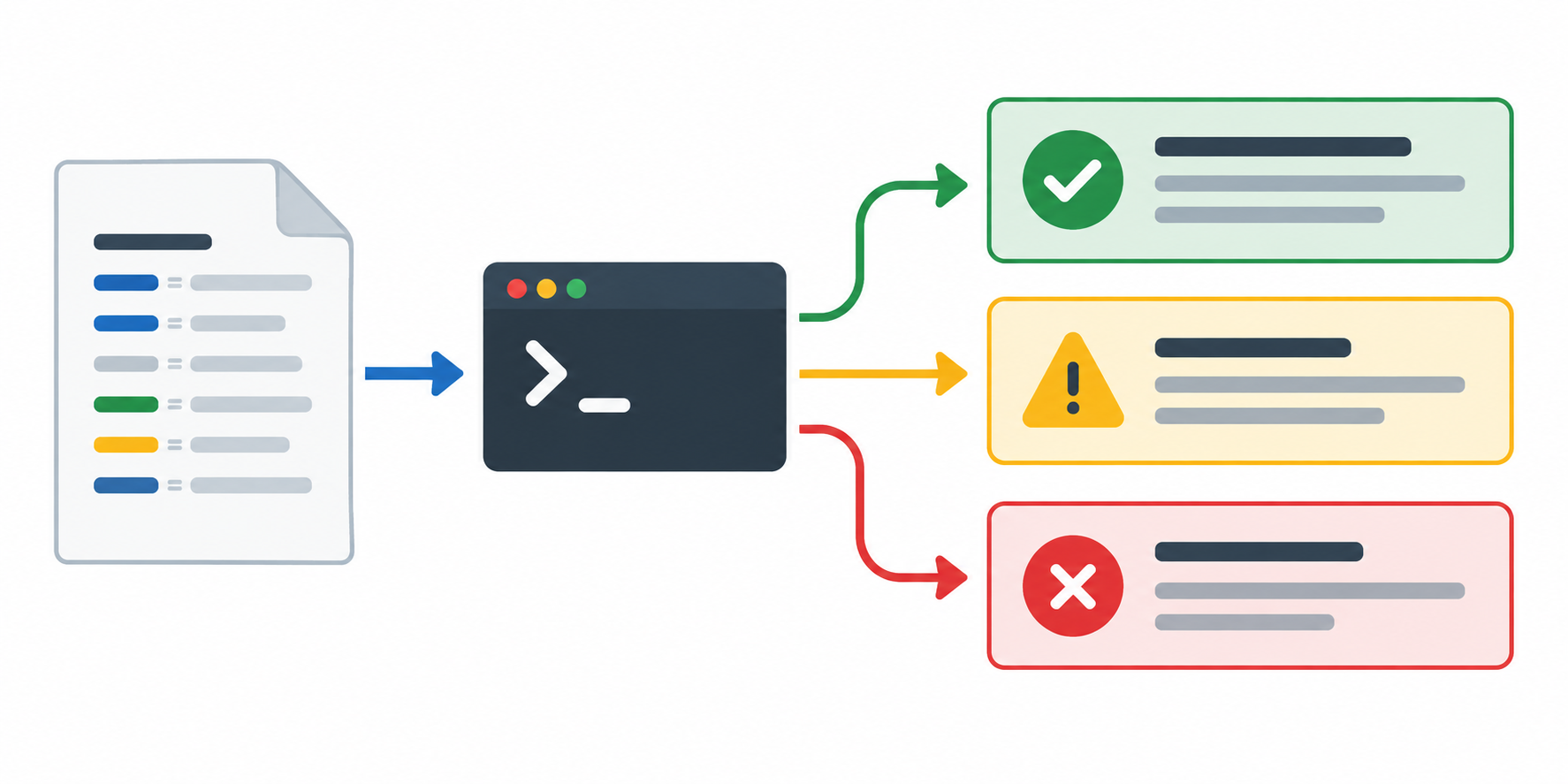
Four isolated fixtures were checked with the same installed Codex CLI, version 0.158.0-alpha.2. Each fixture used a separate configuration home so one case could not silently inherit another case's settings.
| Fixture | Observed result | What it establishes |
|---|---|---|
model = "gpt-6-astra" | Codex doctor loaded the configuration and recognized the model setting. | This config value parsed in this CLI build. |
model = "gpt-6-sol" | Codex doctor loaded the configuration and recognized the model setting. | This second model value also parsed in the same CLI build. |
Added version = 2 | The CLI emitted a warning and ignored the field. | An unrecognized field did not prevent these other settings from loading in this fixture. |
| Malformed array in line 1 | The CLI reported invalid configuration at line 1, column 23. | A TOML syntax error is reported before a model request is made. |
Download the fixture results (CSV)
A repeatable check after editing config.toml
- Record
codex --versionand whetherCODEX_HOMEis set. - Inspect the user file and, if relevant, the trusted project's
.codex/config.toml. - Change one setting and preserve a copy of the prior file so the change can be reversed.
- Run
codex doctor --jsonand keep the complete diagnostic output with the test date. - For an end-to-end check, start a normal session only after confirming authentication, approval policy, and sandbox settings. A parser diagnostic is not a substitute for this step.
codex --version
codex doctor --json
Use a temporary CODEX_HOME for isolated experiments. Do not overwrite your working profile with deliberately malformed TOML, and do not include tokens or personal paths in a public test log.
FAQ
Does Codex read .codex/config.toml from every repository?
No. Project configuration is loaded only for a trusted project. If a setting appears ignored, check project trust and the active working directory before duplicating it in the user file.
Does a successful config load prove a model is usable?
No. It shows that this local CLI accepted the tested configuration. Authentication, account access, network availability, and an actual request are separate checks.
Did this test compare Codex CLI versions?
No. All fixtures used Codex CLI 0.158.0-alpha.2. The results should not be presented as a version-to-version comparison.